 PoppyDisk User Guide
Delete permanently
Remove items without sending them to the Recycle Bin. There is no recovery.
When you finish, the selected items are gone from the Drive without passing through the Recycle Bin. Nothing deleted this way can be restored from Windows.
When to choose it
Choose permanent deletion only when you mean it: a very large file that the Recycle Bin would only hold until you empty it anyway, or a source without a Recycle Bin where you want the outcome to be certain rather than decided by Windows. For anything you might want back, use the default instead. See Delete to the Recycle Bin.
Prerequisites
Before you start
A Deletion Review with at least one item selected, read all the way through. See Review before you delete.
Confirm
- In the Deletion Review, choose Permanent deletion. The dialog changes to Confirm Permanent Deletion, restates the count and total Size on Disk, says This cannot be undone, and lists every path that will be deleted.
- Read the list. Every path on it is about to be removed for good.
- Tick I understand this cannot be undone. The Start permanent deletion button becomes available only once the box is ticked.
Danger
The next step deletes the listed items with no way back. They will not be in the Recycle Bin. PoppyDisk cannot restore them, and neither can Windows.
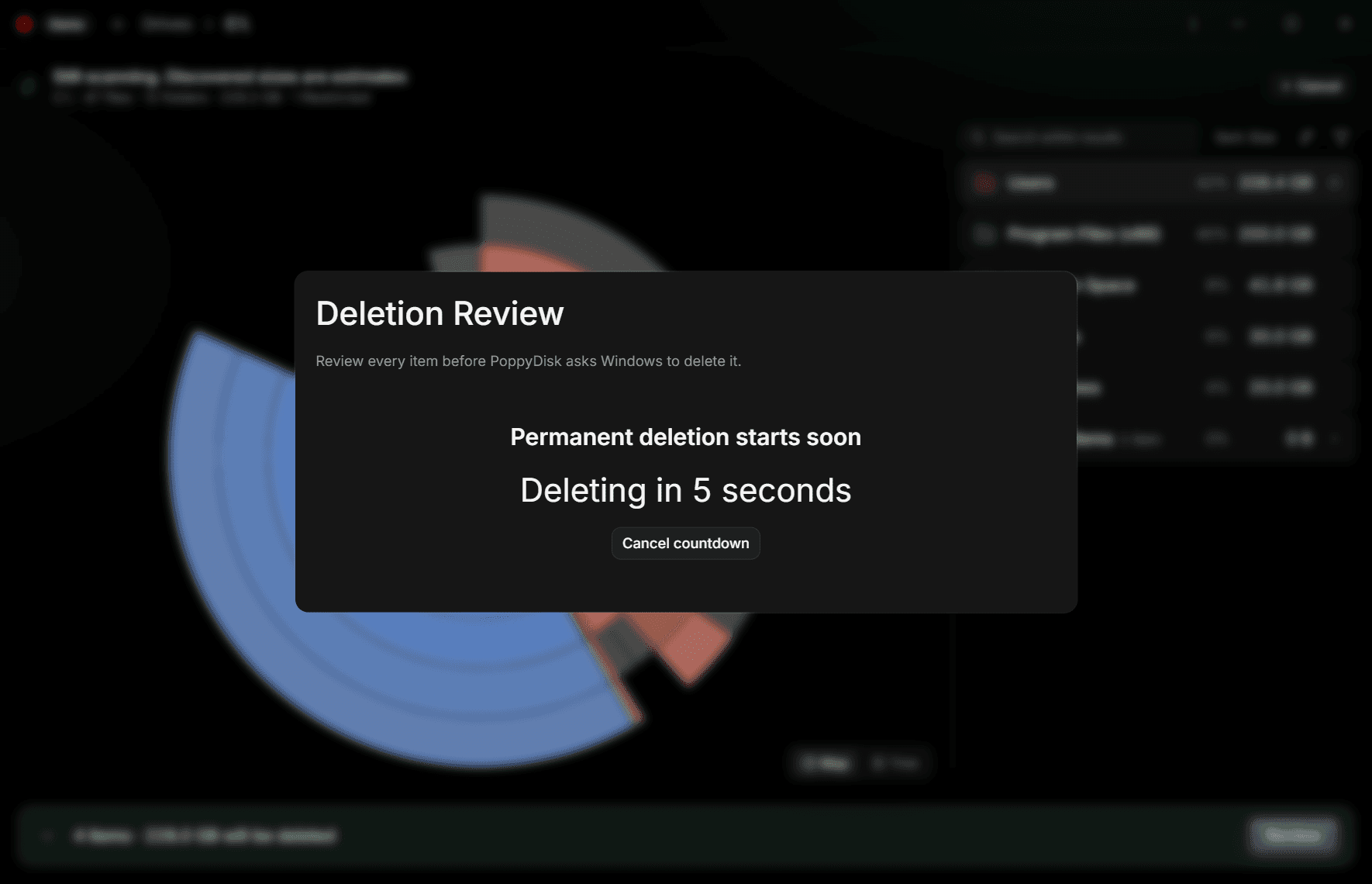
- Choose Start permanent deletion. A countdown appears: Permanent deletion starts soon, then Deleting in 5 seconds, counting down.
- Let the countdown reach zero. The dialog shows Deleting items while Windows processes every approved item, then the Deletion report. See Read your Recovered Space report.
To stop during the countdown, choose Cancel countdown. You return to the confirmation with nothing deleted. Back at the confirmation returns you to the review, also with nothing deleted.
What permanent deletion does with a link
If one of the items is a folder link (a directory symbolic link), PoppyDisk removes the link itself and does not follow it. Whatever the link pointed at is untouched.
If something cannot be deleted
If Windows cannot start the deletion, the confirmation shows Windows could not start the deletion. with the reason and stays open. If one item fails while the rest succeed, the report lists it with the reason. See Fix Cleanup Basket and deletion problems.